
Transformez votre pigeon en photo studio professionnelle
Une simple photo prise avec votre téléphone suffit. Le studio détoure votre pigeon, refait la lumière et vous rend une image de catalogue — sans changer l'oiseau, sans changer sa bague, sans changer son plumage.
Votre photo devient une photo studio

 ⇆
⇆
Photo prise au colombier, au téléphone — et la photo de vente qui en sort.
Choisissez votre style
Le même oiseau, présenté autrement. Comparez, puis décidez.
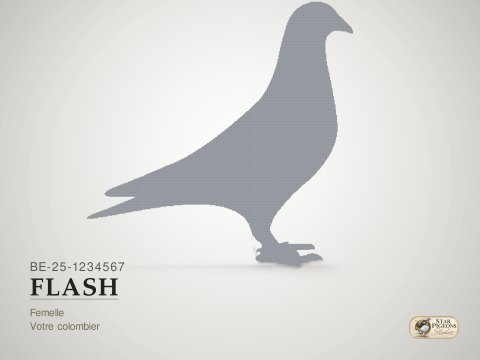 Classic Studio
Sobre et professionnel. Le fond neutre d'un vrai studio.
Classic Studio
Sobre et professionnel. Le fond neutre d'un vrai studio.
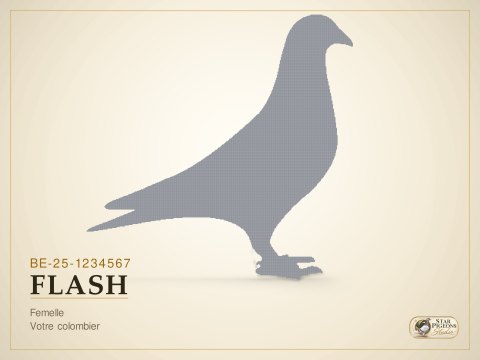 Gold Edition
L'identité Star Pigeon : crème, filets dorés, allure de catalogue.
Gold Edition
L'identité Star Pigeon : crème, filets dorés, allure de catalogue.
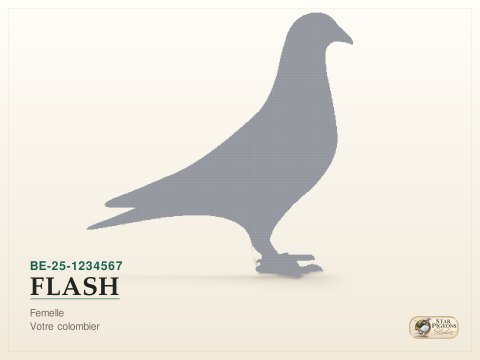 Sale Edition
Pour un pigeon proposé à la vente : mise en page sobre, infos lisibles.
Sale Edition
Pour un pigeon proposé à la vente : mise en page sobre, infos lisibles.
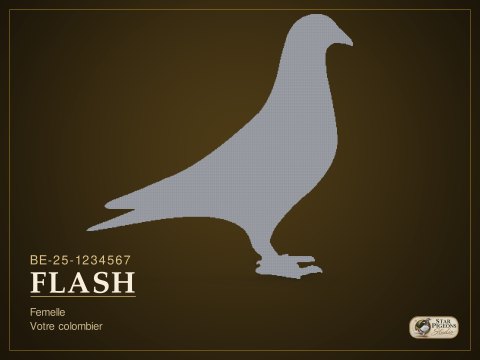 Champion
Met en avant le palmarès. Fond profond, nom en grand, or.
Champion
Met en avant le palmarès. Fond profond, nom en grand, or.
Choisissez votre fond
Celui du style, ou votre couleur. Le texte change d'encre tout seul pour rester lisible.
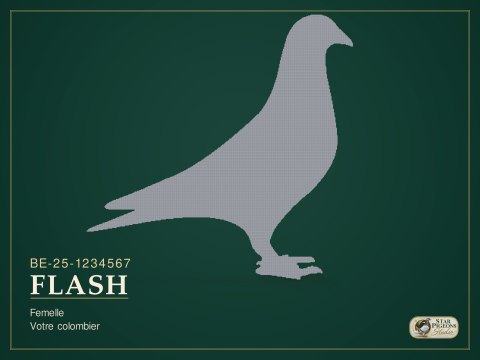
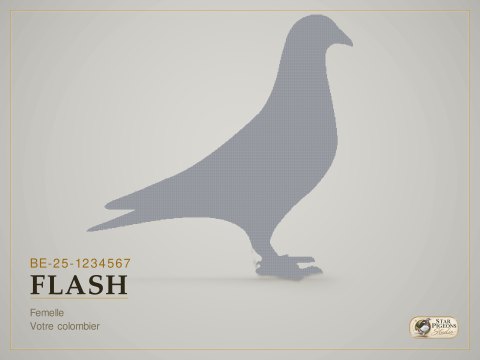
Le nuancier, et la pipette pour tout le reste
Utilisez votre propre décor
Votre colombier, un paysage, la façade de l'élevage : déposez l'image, elle devient l'arrière-plan.

Une image comme celle-ci devient l'arrière-plan de votre photo.
- JPG, PNG ou WebP, depuis le téléphone ou l'ordinateur.
- Le décor est légèrement adouci : votre pigeon reste le sujet, et n'a pas l'air découpé puis collé.
- Votre photo d'origine n'est jamais touchée. Le décor s'ajoute, il ne remplace rien — et se retire d'un clic.
Personnalisez votre texte
Vous écrivez ce qui doit figurer sur la photo, et vous choisissez où le poser.
Huit ancrages autour de l'oiseau, ou aucun texte du tout. Le numéro de bague est le seul champ exigé : c'est lui, exactement, qui est gravé sur la bague de la photo.
Choisissez votre typographie
Chaque exemple est écrit dans sa propre police. C'est celle-là, exactement, qui sera gravée dans l'image.
Changez d'avis quand vous voulez.
Votre photo reste disponible. Votre style peut évoluer.
Revenez dans cinq minutes, demain ou dans six mois : rouvrez une photo déjà créée et modifiez gratuitement son style, la couleur du fond, votre décor, le texte et la typographie. Vous ne rachetez pas votre photo parce que vous voulez changer son apparence.
Pourquoi c'est possible : le studio garde votre pigeon détouré. Changer la présentation ne redemande aucun tirage — c'est un calcul d'une seconde, il n'y a donc rien à refacturer.
Prêt ? Une photo suffit.
Vous choisissez la présentation, le studio fait le reste en environ deux minutes et demie.
En cinq points
Comment photographier votre pigeon ?
Pas besoin de matériel. Ces cinq points suffisent à obtenir une belle photo studio.
Position
Le pigeon debout, de profil, dans la position de présentation classique. Ni couché, ni de face.
Bague visible
Photographiez du côté où la bague se voit. La bague et les pattes doivent apparaître entièrement.
Bonne lumière
Un endroit clair, de préférence la lumière du jour. Évitez les pièces sombres et le flash direct.
Photo nette
Un smartphone récent suffit largement. La photo doit simplement être nette et bien définie.
Pigeon entier
Pattes, queue, ailes et tête dans le cadre. Évitez les mains, les barreaux et les objets devant l'oiseau.
Star-Pigeons Studio — by Marlys Concept